
Best SD Card for Samsung Phone: A Comprehensive Guide
Introduction
Running out of storage space on your Samsung phone? You’re not alone. High-resolution photos, videos, apps, and updates can quickly consume your device's memory. An SD card provides a practical solution for expanding storage without breaking the bank. In this guide, we'll walk you through how to choose the best SD card for your Samsung phone, from understanding the different types to selecting the top models available.

Understanding SD Cards and Compatibility
To select the right SD card, it's crucial to understand the various types and their compatibility with Samsung phones.
Types of SD Cards
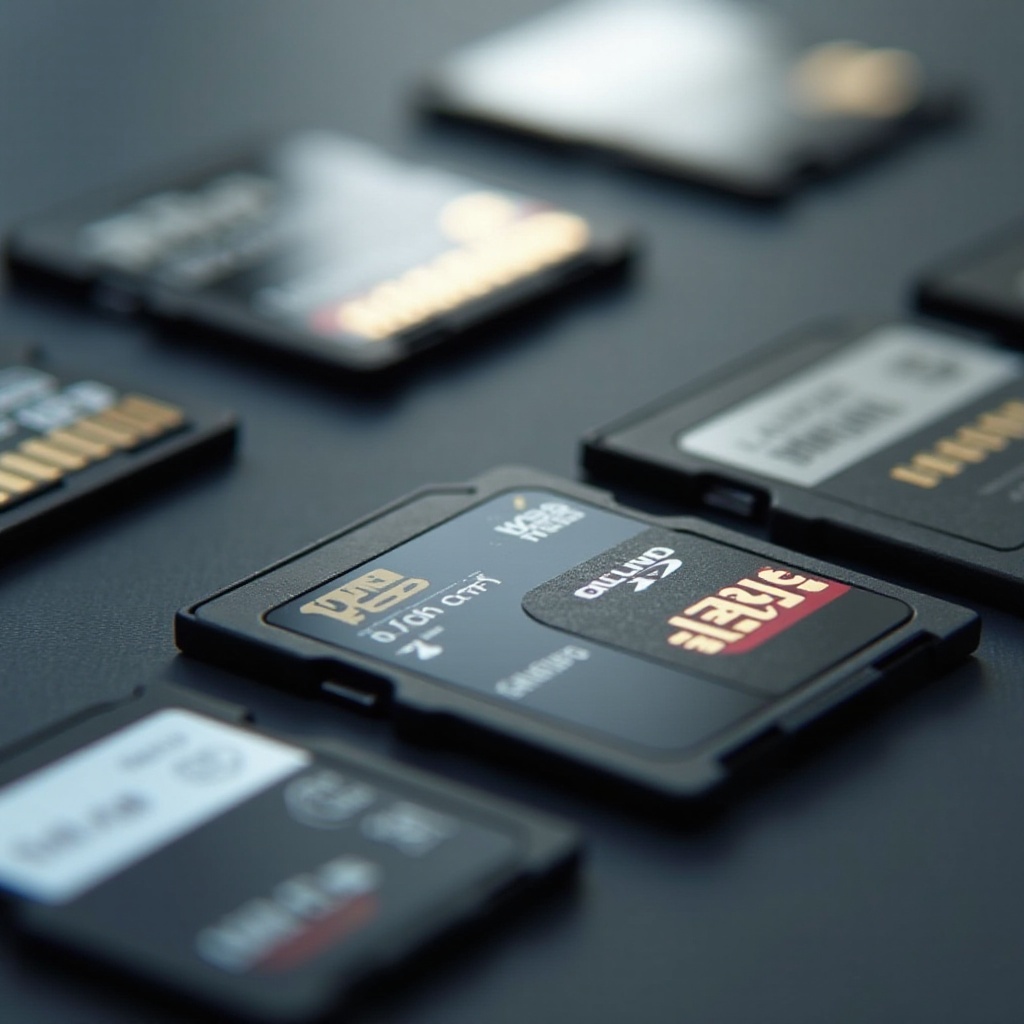
SD cards are categorized into SD, SDHC, and SDXC.
- SDHC (Secure Digital High Capacity) cards range from 4GB to 32GB and offer decent storage for moderate use.
- SDXC (Secure Digital Extended Capacity) cards, starting at 64GB up to 2TB, are perfect for heavy users needing ample storage for large files and high-definition content.
Samsung Phone Compatibility
Not every SD card will work with every Samsung phone. Check your phone’s specifications or the user manual to determine which SD card types and sizes it supports. Most modern Samsung phones recognize both SDHC and SDXC cards. Be sure to verify compatibility to avoid unnecessary inconveniences.
With these basics covered, you can now consider other factors essential for choosing the perfect SD card.
Factors to Consider When Choosing an SD Card
Several factors can affect your decision when selecting an SD card. These points ensure you select an option that meets your specific needs.
Storage Capacity
First, think about your storage needs. Are you constantly downloading large apps, or do you often shoot high-resolution videos and photos? If so, an SDXC card with at least 128GB is advisable. For lighter needs, an SDHC card may suffice.
Speed Class Ratings
The speed class rating is another critical aspect, influencing how quickly data reads and writes on the card.
- Class 10 cards are suitable for full HD video recording and consecutive HD photo shooting.
- UHS-I/Class 1 cards are faster and ideal for transferring large files quickly.
- UHS-III/Class 3 cards are best for 4K UHD video recording and fast transfers.
Choosing a speed rating compatible with your usage habits is fundamental to maximizing performance.
Brand Reputation and Reliability
Opt for brands renowned for reliability, like SanDisk, Samsung, and Kingston. These companies provide warranties and quality assurances. Investing in a reputable brand ensures you’re buying a durable product that will last.
Armed with this information, you're ready to explore our top recommendations for SD cards perfect for your Samsung phone in 2024.
Top SD Cards for Samsung Phones in 2024
After extensive research, we've identified the best SD cards that will enhance performance and expand your Samsung phone's storage.
Best Overall Performance SD Card
SanDisk Extreme PRO - This card is celebrated for its superior speed and reliability. Offering up to 170 MB/s read and 90 MB/s write speeds, it's ideal for 4K video recording and rapid data transfers.
Best Budget-Friendly SD Card
Samsung EVO Select - Known for balancing cost and performance, this card delivers solid speeds up to 100 MB/s. It's a great choice for those seeking affordability and reliability.
Most Reliable SD Card
Lexar Professional 1000x - This card, known for exceptional reliability, supports speeds up to 150 MB/s, making it suitable for both casual and professional users.
Now that you've got a top-notch SD card, let's dive into how to properly install and use it on your Samsung phone.
How to Install and Use an SD Card on Samsung Phones
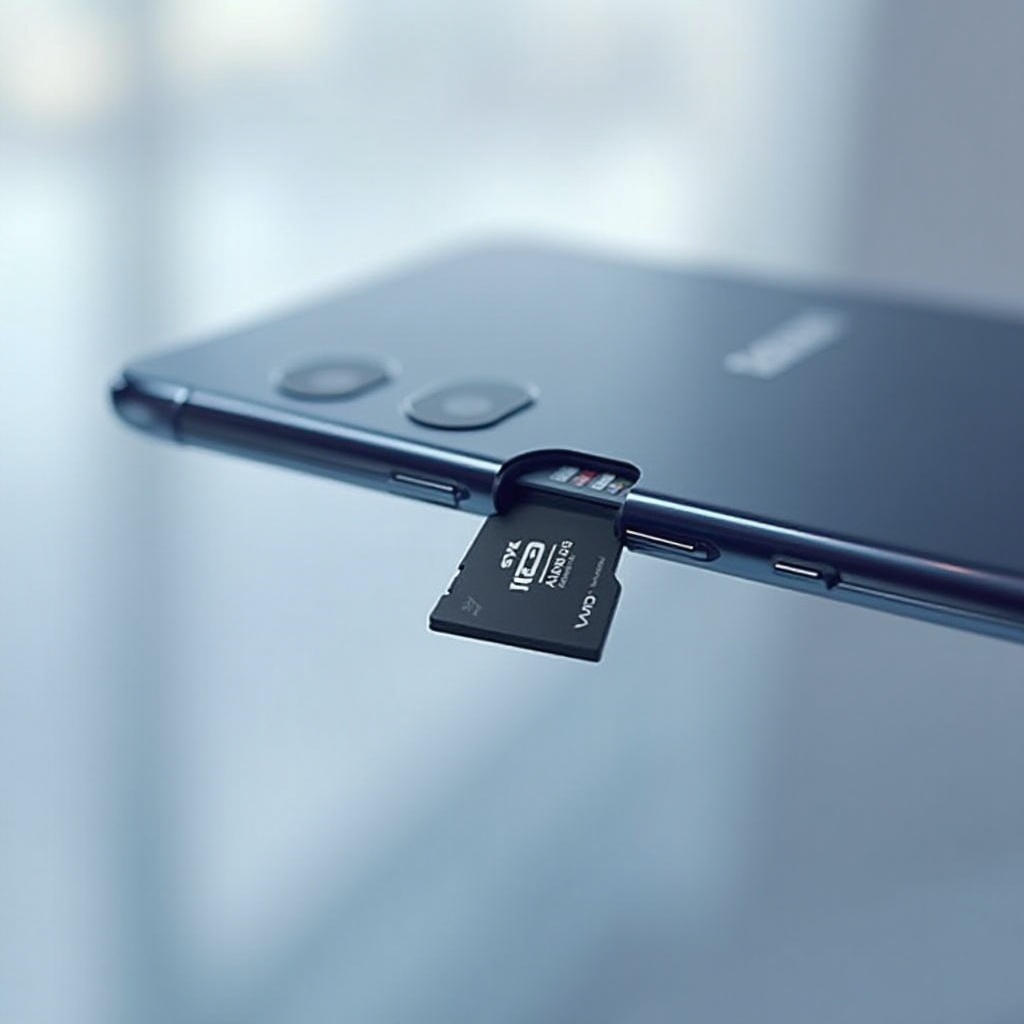
Installing an SD card is a straightforward process. Follow these steps to ensure a smooth installation and usage experience:
1. Power Off Your Phone: Before inserting the card, make sure to turn off your phone to prevent data loss.
2. Locate the SD Card Slot: Check your phone's design to find the slot, commonly located on the side or under the back cover.
3. Insert the SD Card: Gently insert the card into the slot, ensuring it's correctly aligned.
4. Power On Your Phone: Once the card is inserted, restart your phone, which should detect the new storage.
5. Format the SD Card: Use your phone's settings to format the card for optimal performance.
Troubleshooting Common Issues
In case your phone doesn't recognize the SD card, ensure correct insertion and compatibility. Try reformatting the card or testing it on another device.
Now that your SD card is ready and functioning, it’s essential to understand the benefits and limitations of using these cards.
Benefits and Drawbacks of Using SD Cards
Equipping your Samsung phone with an SD card offers several advantages while also presenting potential downsides.
Advantages of Extra Storage
- Increased Storage Capacity: SD cards expand your phone's storage at a minimal cost.
- Easy Data Transfer: They facilitate quick file transfers between devices.
- Enhanced Performance: Offloading files and apps can improve your phone’s operational efficiency.
Potential Drawbacks
- Compatibility Issues: Using an incompatible card can cause issues.
- Data Corruption Risk: Poor handling or cheap cards may lead to data corruption.
Considering these pros and cons helps ensure you make a well-informed decision.
Conclusion
Choosing the right SD card can significantly improve your Samsung phone's storage capabilities and overall performance. By understanding your needs, checking compatibility, and considering key factors such as capacity, speed, and brand reputation, you can select the best SD card to enhance your phone's functionality.
Frequently Asked Questions
How can I check if my Samsung phone supports SD cards?
To verify support, review your phone's specifications in the manual or look online, or check the SIM/SD card tray for the slot.
What is the difference between SDHC and SDXC cards?
SDHC cards offer up to 32GB of storage, suitable for moderate needs, while SDXC cards, starting at 64GB to 2TB, cater to heavy storage requirements.
How do I maintain my SD card for maximum performance?
Regular backups, safe removal, avoiding full capacity, and occasional reformatting help maintain SD card performance.




