
Understanding OPC on Sharp TVs: What Does It Mean?
Introduction
Optical Picture Control (OPC) is a standout feature on Sharp TVs that adjusts screen brightness based on room lighting. This automated adjustment not only enhances viewing quality but also contributes to energy efficiency. OPC's ability to adapt to varying light conditions makes it an increasingly popular choice for consumers. In this article, we explore the intricacies of OPC, highlighting its advantages, and guiding you through its customization and troubleshooting, ensuring you get the best out of your Sharp TV.

What is OPC on Sharp TVs?
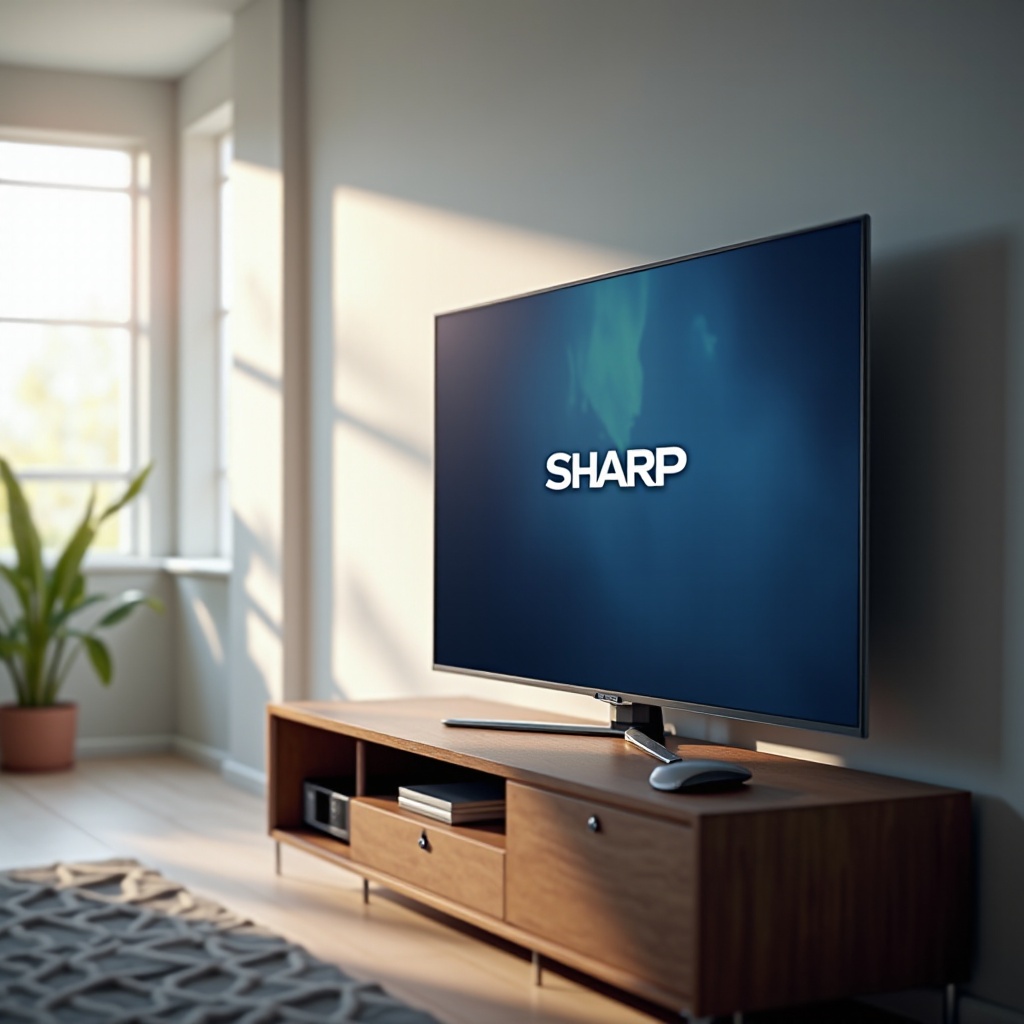
OPC, or Optical Picture Control, automatically alters your TV's brightness to complement the lighting in your room. It utilizes sensors to detect ambient light levels, adjusting the display settings accordingly. This dynamic feature ensures optimal picture quality, providing a comfortable viewing experience regardless of time or lighting changes. By reducing unnecessary brightness, OPC enhances visual comfort and contributes to energy conservation, aligning with sustainable practices.
The technology behind OPC is straightforward yet impactful. It helps maintain consistent image quality by seamlessly adjusting to the current environment, enabling viewers to enjoy their content without frequently adjusting settings manually.
Benefits of OPC for Sharp TV Users
OPC offers significant advantages for television viewing. Its benefits extend beyond mere convenience, underscoring its role in modern TV technology.
- Energy Efficiency and Cost Saving: By adjusting brightness variably, OPC reduces power usage, leading to tangible savings on electricity bills.
- Enhanced Picture Quality: OPC's adaptability ensures vivid and clear images, retaining picture quality in diverse lighting conditions.
- Automatic Adjustments: OPC eliminates the need for manual brightness changes, focusing user attention solely on content enjoyment.
These advantages position OPC as a crucial feature for improving television experiences.
How to Enable and Customize OPC Settings
Activating OPC on Sharp TVs is a simple process, allowing personalization for optimal results.
1. Accessing OPC Settings Menu: Navigate to 'Picture settings' in the main menu where OPC options reside.
2. Step-by-Step Customization Guide:
- Enable OPC by selecting 'On'.
- Adjust sensitivity levels, choosing low, medium, or high depending on room lighting conditions.
- Confirm and save your preferred settings.
Customizing OPC settings allows integration with different environments, maximizing viewing pleasure.
Troubleshooting Common OPC Issues
Although OPC operates efficiently, some users may face occasional challenges.
- Resolving OPC-related Errors: Check for any obstructions near the sensors to ensure accurate lighting detection.
- When to Seek Professional Support: If issues persist, reaching out to Sharp support may provide advanced troubleshooting or necessary repairs.
Addressing OPC issues swiftly ensures uninterrupted, optimal TV performance.
Comparing OPC with Features on Other TVs
Comparing OPC with similar features across brands highlights its strengths:
- Similar Features in Competing Brands: Many TVs offer automatic brightness adjustments. However, Sharp’s OPC provides superior precision and customization.
- Pros and Cons of OPC: While OPC is highly efficient, some may find its automated adjustments less adaptable than manual control. Nevertheless, its capacity for energy savings and quality enhancement is substantial.
Understanding the competitive landscape reinforces OPC’s value as an advanced feature.
Conclusion
OPC on Sharp TVs seamlessly blends technology with user ease, enhancing both viewing experiences and energy management. Its ability to automatically adapt to environmental changes ensures superior picture quality and efficiency. As automation continues to integrate into everyday life, OPC's role in offering sustainable and high-quality home entertainment becomes increasingly significant.
Frequently Asked Questions
How does OPC affect my TV’s performance?
OPC optimizes screen brightness based on room lighting, enhancing picture quality and reducing manual adjustments.
Can OPC be used with other Sharp TV settings?
Yes, OPC can function alongside various settings, such as picture modes, to ensure comprehensive viewing preferences.
Is OPC available on all Sharp TV models?
OPC is available on most modern Sharp TV models, but always check the specifications sheet to confirm its inclusion.



