
The Rise of Computer Cases with Touch Screens: A Modern Revolution in PC Building
Introduction
The integration of touch screens into computer cases signifies a pivotal advancement in PC building. Technology has continuously evolved, transforming how we interact with devices. Touch screen computer cases offer a new interaction level, allowing users to manage systems with ease. The sleek design and practicality of real-time data access attract both tech enthusiasts and professionals. This article explores touch screen computer cases, examining features, benefits, and considerations for potential upgrades.
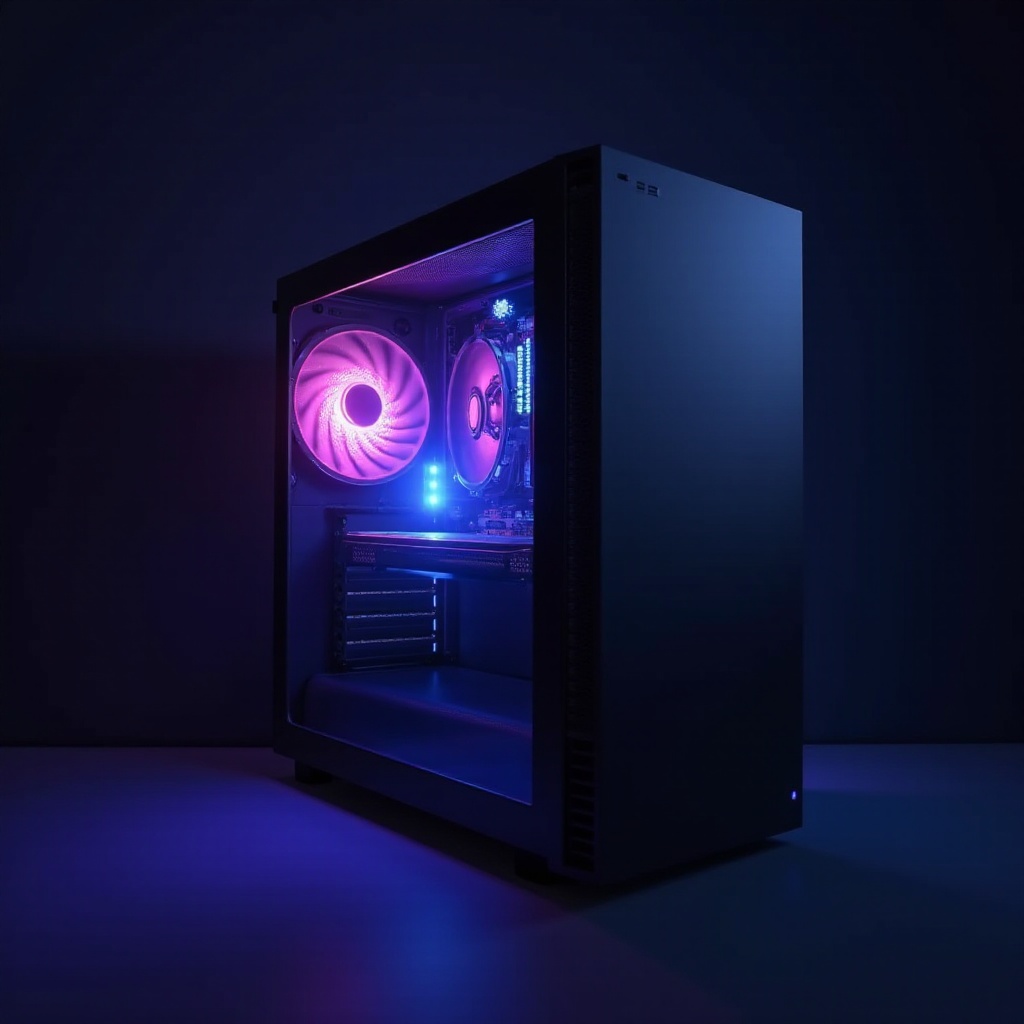
Understanding Touch Screen Computer Cases
Touch screen computer cases incorporate interactive displays right into the case, providing direct access to system monitoring tools and customization. Unlike traditional cases, these advanced models offer a direct interface, enhancing user experience and functionality. Typically, they include capacitive or resistive touch screens for various features such as temperature monitoring, fan control, and personalized lighting. This interaction level was previously available only on separate hardware or software interfaces, showcasing how these cases bridge aesthetics and functionality.
Key Features of Modern Touch Screen Cases
Cutting-edge touch screen computer cases showcase features designed to enhance aesthetics and performance:
Interactive Display Capabilities
The touch screen acts as a command center for your computer, granting access to important system data and control options. You can adjust fan speeds, monitor CPU temperatures, and manage RGB lighting directly from the case display, increasing convenience.
Advanced Cooling Solutions
Many touch screen cases come equipped with advanced thermal management systems. These use the touch display to provide real-time feedback and control over cooling, ensuring optimal performance, especially beneficial for gamers and professionals requiring high-performance cooling.
Customization and Aesthetic Options
Customization is prominent in modern touch screen cases. They offer extensive options for personalizing the appearance of your PC, from changing lighting schemes to setting custom logos and wallpapers. This results in a personalized experience, both visually and functionally.
Advantages of Using a Touch Screen in Computer Cases
Integrating a touch screen into a computer case offers several key advantages:
Enhanced User Interaction
Touch screens provide a direct, intuitive method to interact with computing systems. The tactile interface allows seamless navigation and control, offering a level of interaction beyond keyboard and mouse.
Real-Time System Monitoring
A touch screen on your computer case means you can monitor vital system stats without additional monitors or software. At a glance, users monitor processing speeds, CPU usage, temperatures, ensuring their system runs smoothly.
Improved Aesthetic Appeal
A touch screen computer case functions as a practical tool and a design centerpiece. Its modern appearance and customizable features transform a standard setup into a sophisticated, tech-driven workspace.
Top Touch Screen Computer Cases of 2024
For those considering upgrades, here are top touch screen computer cases available in 2024:
Brand and Model 1
This model features a sleek design with an integrated LCD touch screen. It provides comprehensive system statistics and control options, ideal for tech enthusiasts.
Brand and Model 2
An innovative option with a full-color touch panel offers extensive customization and support for multiple cooling solutions, catering to gamers and overclockers.
Brand and Model 3
Known for its robust build and user-friendly interface, this case includes unique features like Wi-Fi connectivity and software for seamless system management.
Considerations When Choosing a Touch Screen Computer Case
When selecting a touch screen computer case, consider:
Budget and Cost Analysis
Touch screen cases may be pricier than traditional ones. Weigh the added functionality against the cost to determine if it's a worthy investment.
Compatibility with Components
Ensure the case supports your hardware or planned upgrades. Check dimensions, port availability, and compatibility with motherboards and cooling systems.
User Needs and Preferences
Consider your computer use. A touch screen case suits users seeking enhanced control and monitoring, but may be unnecessary for basic needs.
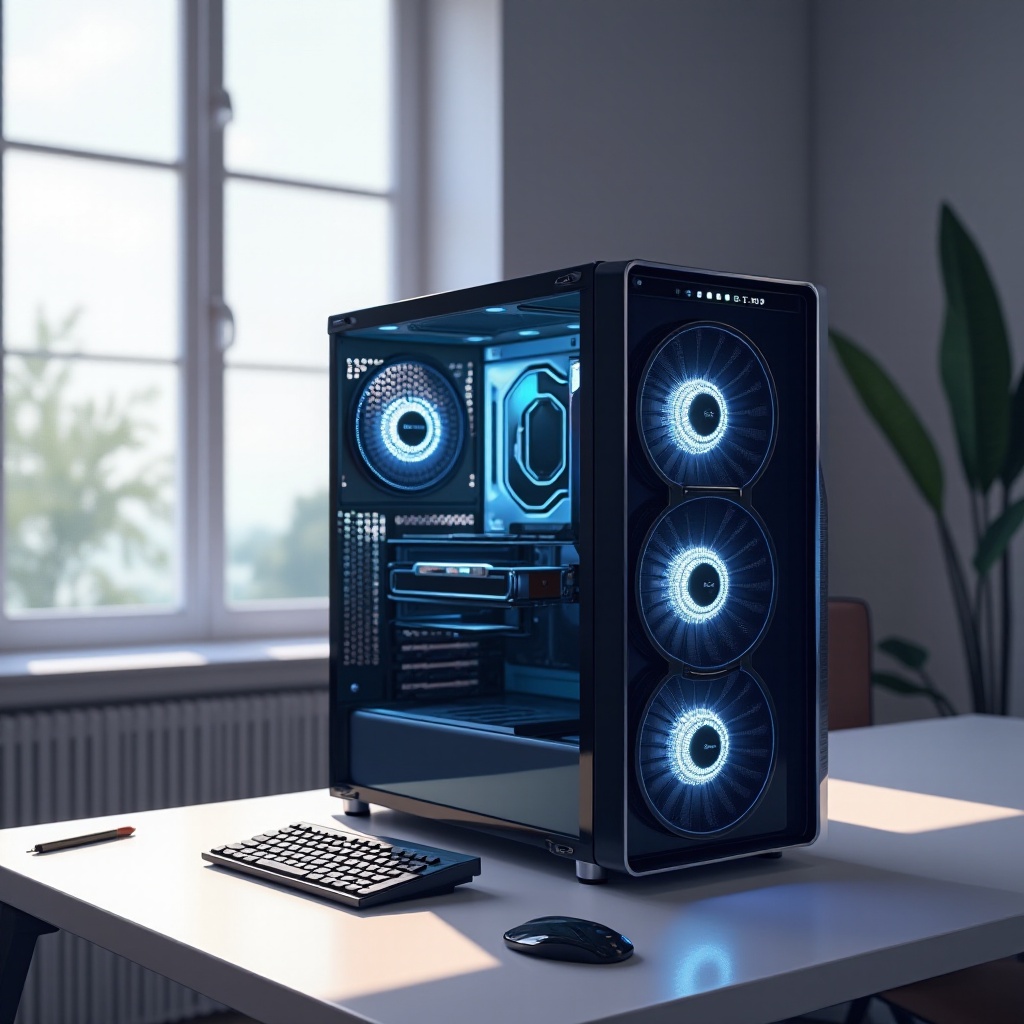
Installation Tips and Best Practices
Installing a touch screen computer case requires careful consideration:
- Read the Manual: Follow the manufacturer's instructions to ensure correct setup and avoid component damage.
- Check Connections: Confirm all cables are properly connected, especially for the touch screen interface and additional features.
- Test Before Final Assembly: Test the touch screen functions before finalizing your build to avoid disassembly for troubleshooting.
Conclusion
Computer cases with touch screens are reshaping the personal computing landscape. They offer a blend of technology and aesthetics, providing users with enhanced control and personalization. For those ready to embrace PC building's future, a touch screen computer case is a smart and stylish investment.
Frequently Asked Questions
Are touch screen computer cases worth the investment?
Touch screen cases offer enhanced control and aesthetic customization, making them valuable for tech enthusiasts and professionals.
How do touch screen computer cases affect system performance?
These cases do not inherently impact performance; they provide tools for optimizing function, like improved cooling control.
Can I upgrade a traditional case to include a touch screen?
Some aftermarket kits exist, but dedicated touch screen cases offer seamless integration and optimal functionality.




