
How to Handle a Broken Screen on Your TCL Roku TV
Introduction
A broken screen on your TCL Roku TV can disrupt your entire entertainment setup, posing challenges in choosing the right action. Whether it's cracked due to accidental bumps or internal failures, navigating through the repair or replacement options is vital. This comprehensive guide will help you identify screen damage, discover repair solutions, and offer preventive measures to safeguard your TV in the future.
Identifying Screen Damage
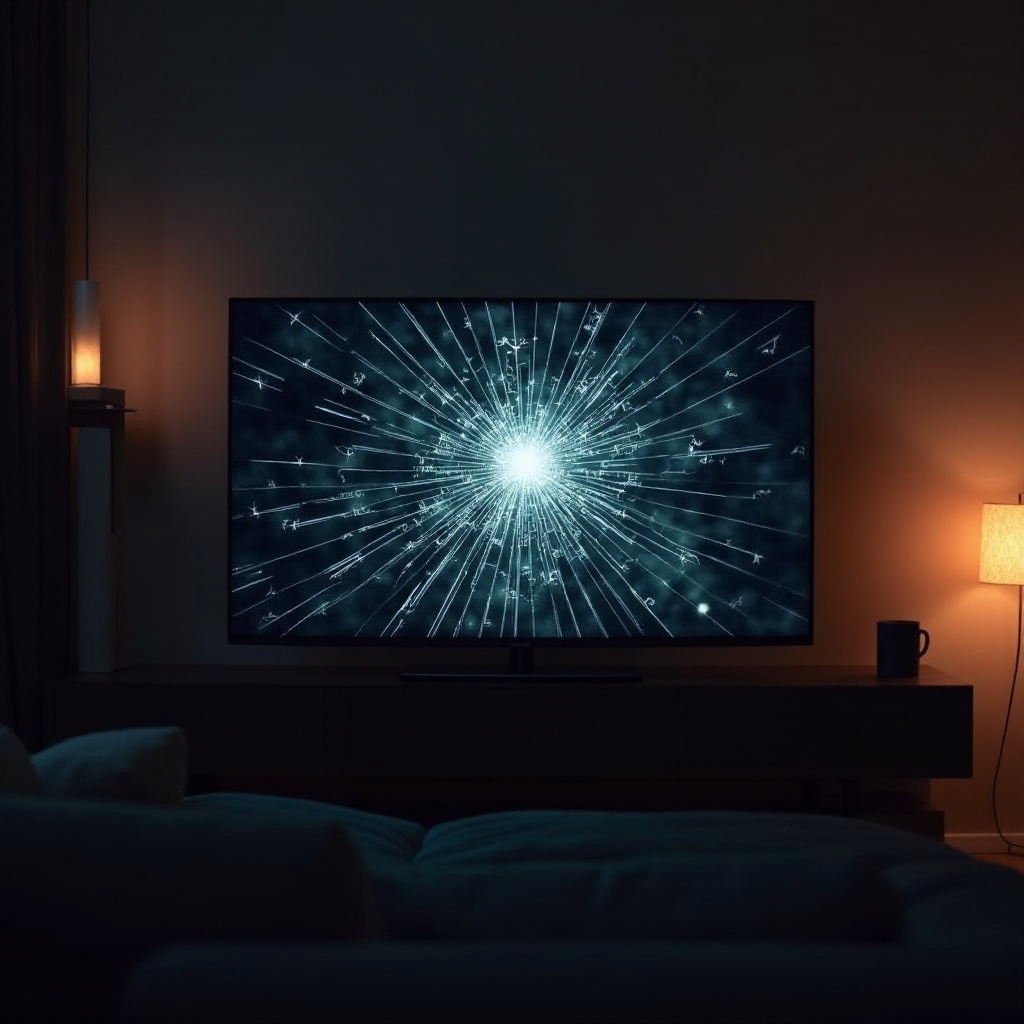
Knowing the signs of screen damage is a prerequisite for an effective response. Visible cracks, lines, or unusual discolorations serve as common indicators of damage. These issues might sometimes manifest as distorted images or a non-responsive screen, hinting at internal problems.
Different types of screen damage require distinct approaches. A physical crack might be apparent, but internal hardware issues demand a closer inspection to uncover what's wrong.
Causes of TCL Roku TV Screen Damage
Screen damage can arise from various situations, primarily involving physical impacts, hardware failures, or software issues.
- Physical Impacts: Accidents, impact against hard surfaces, or excessive pressure can result in visible cracks or distortions on the screen.
- Hardware Failures: Internal components malfunctioning can lead to display problems not evident from the outside.
- Software Glitches: Though rare, software errors can affect the display quality.
Understanding these causes aids in making informed repair or replacement decisions.
Diagnosing the Issue
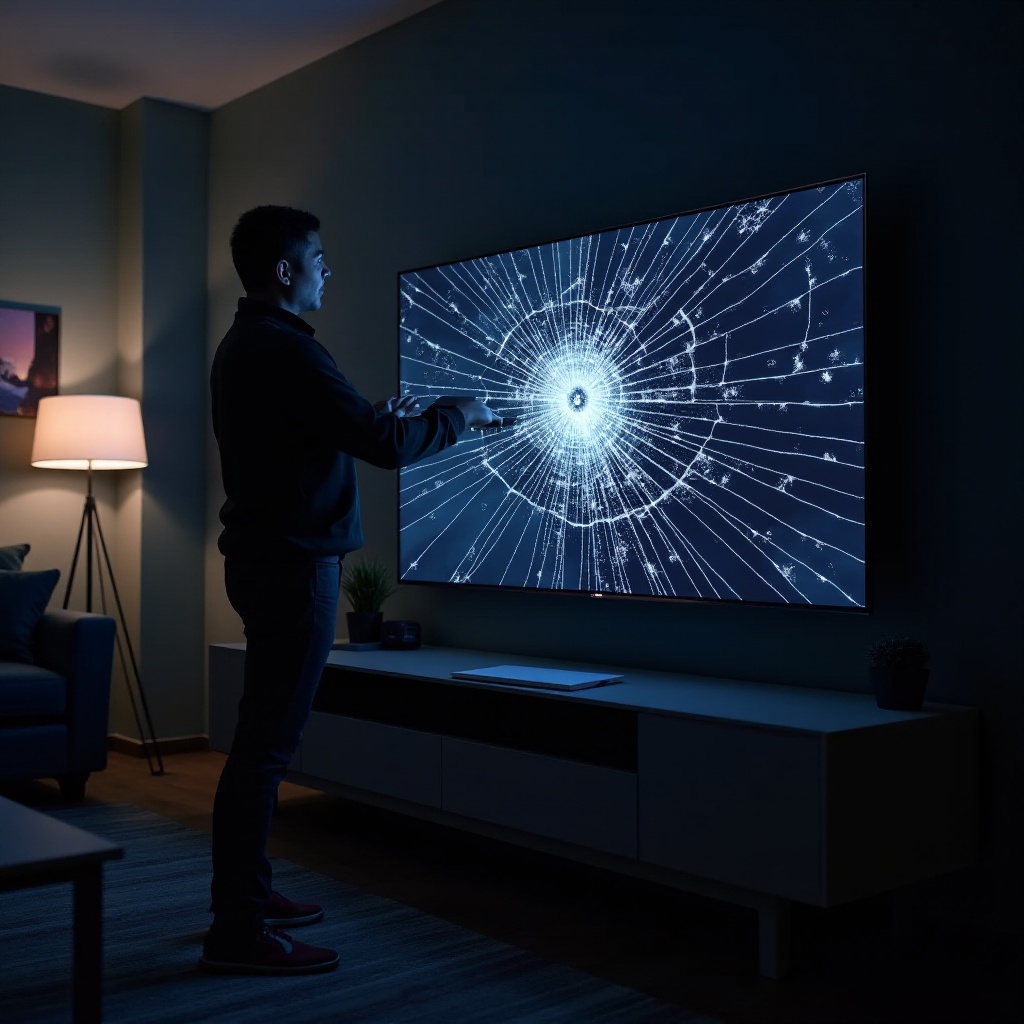
Accurately diagnosing the problem can determine the right course of action. Start by inspecting the screen for visible damage, like cracks or unusual lines. For deeper issues, perform basic troubleshooting, like resetting the TV or securing loose cables.
Performing a soft reset—unplugging the TV for a few minutes and plugging it back in—can help determine if the issue stems from the hardware or the software.
Repairing Your TCL Roku TV Screen
Repairing screen damage varies by severity and technology involved. Here’s a guide to navigating repair.
- Explore DIY Repairs: For minor issues, consider adjusting settings or replacing essential cables.
- Seek Professional Repair Services: Consult a technician for extensive damage. They possess the expertise for complex repairs.
- Evaluate Repair Costs: Compare repair versus replacement costs; substantial repairs might justify investing in a new TV.
Assessing the pros and cons enables you to make informed choices for your TCL Roku TV.
When to Replace Your TCL Roku TV
Deciding on repair or replacement relies on damage assessment and cost comparison. When damage is extensive, replacement often proves more economical.
Delve into the newer TCL Roku TV models equipped with advanced features and technology, facilitating an informed decision that enhances your entertainment experience.
Preventative Measures to Avoid Screen Damage
Proactive steps significantly mitigate the risk of screen damage. Here are some practical tips:
- Secure Installation: Ensure your TV is properly mounted and not prone to accidental knocks.
- Regular Maintenance: Clean and dust your TV regularly to prevent potential malfunctions.
By adhering to these maintenance practices, you reduce the likelihood of screen damage, extending the life of your TCL Roku TV.
Conclusion
Handling a broken TCL Roku TV screen involves a series of decisions. By identifying damage signs, evaluating repair and replacement options, and implementing preventive strategies, you equip yourself with the necessary information to optimize your viewing experience.
Frequently Asked Questions
What are the signs my TCL Roku TV screen is broken?
Visible cracks, lines, or distorted images are common indicators of screen damage.
Is it worth repairing a broken TCL Roku TV screen?
Consider repair costs versus the expense of a new TV; severe damage often merits replacement.
How can I prevent screen damage on my TCL Roku TV?
Secure installation and regular maintenance reduce the risk of damage significantly.




