
Ultimate Review: HP Chromebook x360 14a-ca0090wm192j7ua
+
Introduction
+Are you looking for a versatile, reliable, and budget-friendly Chromebook? The HP Chromebook x360 14a-ca0090wm192j7ua might be a compelling choice. This device promises robust performance, a sleek design, and user-friendly features designed for both students and professionals. In this comprehensive review, we will delve into the intricacies of this Chromebook to help you determine if it’s worth your investment.
+
Design and Build Quality
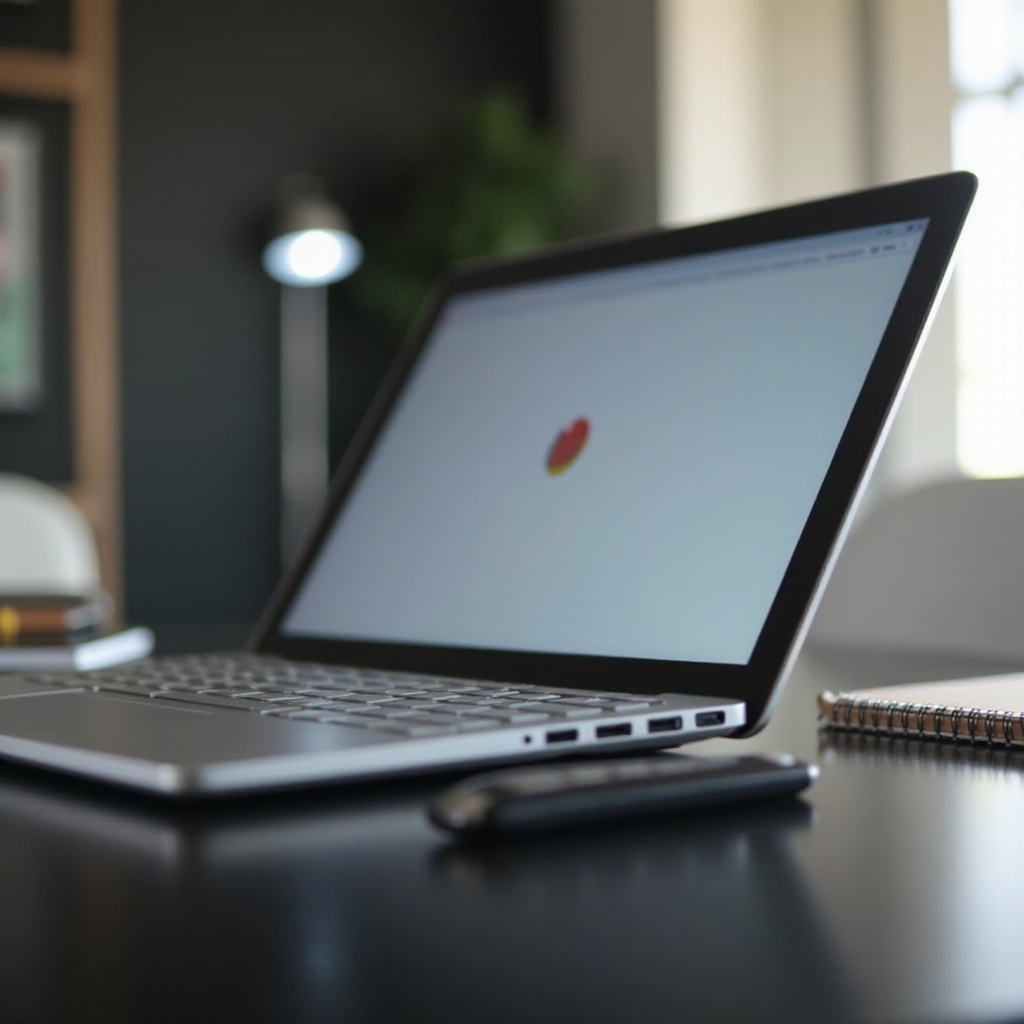
+The HP Chromebook x360 14a-ca0090wm192j7ua boasts a sleek and modern design. With its 360-degree hinge, the flexibility of this Chromebook allows users to switch effortlessly between laptop, tablet, stand, and tent modes. This versatility is particularly useful for individuals constantly on the move or those who enjoy diverse interaction modes. Crafted with a blend of plastic and aluminum, the build quality feels sturdy, though a bit of give in the lid reduces the premium feel. However, its lightweight nature makes it highly portable, weighing just over 3 pounds. You can comfortably carry it around without feeling weighed down, ideal for students or professionals attending meetings or classes.
+
Display and Audio
+Moving on to the display, the HP Chromebook x360 14a features a 14-inch HD touchscreen. With a resolution of 1366 x 768 pixels, the display might not be the sharpest compared to Full HD or higher resolutions. However, it delivers decent brightness and color accuracy suitable for web browsing, video streaming, and general productivity tasks. The touchscreen functionality is responsive, making navigation simple whether you are using your fingers or a stylus. For audio, the dual speakers located above the keyboard deliver clear and loud sound. While it lacks depth in bass, the overall audio quality is sufficient for media consumption, video calls, and even casual listening.
+
Performance
+Performance-wise, the HP Chromebook x360 14a is equipped with an Intel Celeron N4020 processor, 4GB of RAM, and 32GB of eMMC storage. It’s designed to handle everyday tasks efficiently. You can expect smooth performance for web browsing, document editing, and streaming videos. However, it might not be the best fit for more intensive tasks like high-end gaming or heavy multitasking. The Chrome OS is optimized to run smoothly even on less powerful hardware, which means you’ll experience quick boot times and a generally responsive system. In benchmarks, the performance aligns with other chromebooks in its price range. You can comfortably manage multiple browser tabs, stream videos, and run productivity apps without significant lag.
+
Battery Life
+A standout feature of the HP Chromebook x360 14a is its battery life. This Chromebook offers up to 12 hours of battery life on a single charge, which is impressive. It allows you to use the device for an entire day without needing to recharge, making it an excellent companion for students who need to attend classes all day or professionals on a full day of meetings. Charging is also relatively quick, and the USB-C port allows for convenient charging options with compatible adapters. Whether you are commuting or traveling, you can rely on this Chromebook to stay powered up throughout your activities.
+
Connectivity and Ports
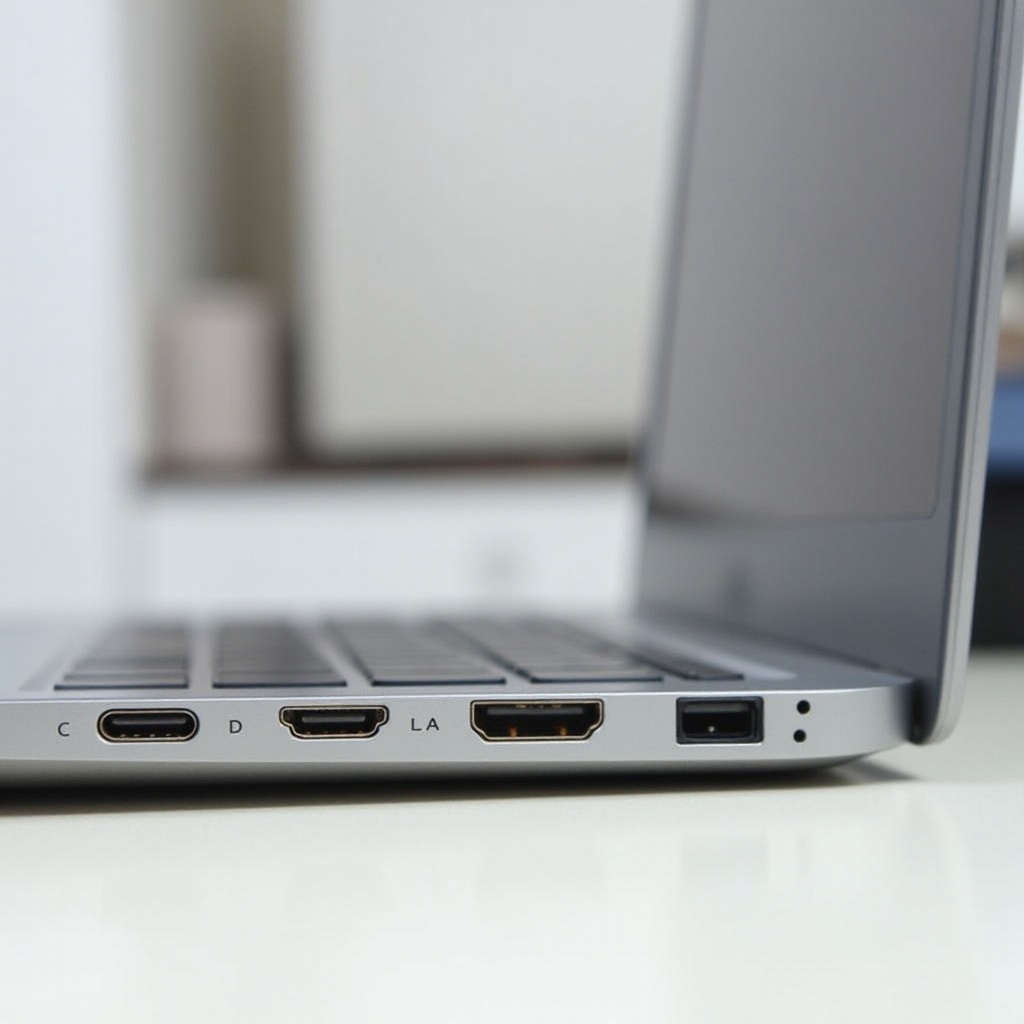
+When it comes to connectivity, the HP Chromebook x360 14a has a decent selection of ports. You’ll find two USB Type-C ports, a USB Type-A port, a microSD card reader, and a headphone/microphone combo jack. This array of ports supports various peripherals and accessories, enhancing usability. Wireless connectivity includes Wi-Fi 5 and Bluetooth 5, providing stable and fast connections for internet browsing and wireless peripherals. While it lacks the latest Wi-Fi 6 support, the overall connectivity options remain robust for most users' needs.
+
Software Experience
+The software experience on the HP Chromebook x360 14a is centered around Chrome OS. Chrome OS is known for its simplicity, speed, and security. Setting up the device is straightforward, and you can sync your Google account to access all your data and preferences almost instantly. Pre-installed apps include Google Docs, Sheets, Slides, and more, integrating seamlessly with the Google ecosystem. You also have access to the Google Play Store, allowing you to download Android apps that can further enhance your productivity and entertainment options.
+

Use Cases
+The versatility of the HP Chromebook x360 14a makes it suitable for a range of use cases:1. Students: Ideal for online classes, research, and completing assignments due to its lightweight design, long battery life, and access to educational apps.2. Professionals: Great for office work, including document creation, presentations, and meetings. The 360-degree hinge adds to the flexibility in work modes.3. Casual Users: Perfect for web browsing, streaming, and casual gaming. The device meets most everyday computing needs without breaking the bank. This Chromebook successfully blends functionality and form, catering to a diverse user base without compromising performance or ease of use.
+
Comparison with Similar Models
+Comparing the HP Chromebook x360 14a with similar models like the Acer Chromebook Spin 311 or the Lenovo Chromebook Flex 5 can help gauge its value better. While the Acer model packs a smaller, more portable design, the Lenovo Flex 5 offers a better display resolution at a slightly higher price. Where the HP Chromebook x360 14a shines is in its balance between performance, price, and battery life. It provides a versatile experience comparable to higher-end models without a significant jump in cost.
+
Price and Value for Money
+The HP Chromebook x360 14a comes at an affordable price point, often found below $300. When you consider its features, performance, and reliability, it offers impressive value for money. The price range makes it accessible for budget-conscious buyers seeking a dependable and feature-rich Chromebook for daily use. Its affordability does not come at the cost of important features or performance, making it a wise investment for students, professionals, and anyone in need of a capable and versatile laptop.
+
Conclusion
+In conclusion, the HP Chromebook x360 14a-ca0090wm192j7ua stands out as a reliable, versatile, and budget-friendly device. With its robust design, decent performance, long battery life, and competitive pricing, it’s a solid choice for a wide range of users. Whether you are a student, a professional, or a casual user, this Chromebook is designed to meet your everyday needs efficiently and effectively.
Frequently Asked Questions
Is the HP Chromebook x360 14a-ca0090wm192j7ua good for students?
Yes, the HP Chromebook x360 14a is excellent for students. Its lightweight design, long battery life, and access to educational apps make it a perfect choice for attending online classes, doing research, and completing assignments.
How long does the battery last on the HP Chromebook x360 14a-ca0090wm192j7ua?
The battery life of the HP Chromebook x360 14a is quite impressive, lasting up to 12 hours on a single charge. This makes it suitable for a full day of use without the need for frequent recharges.
Can I use Microsoft Office on the HP Chromebook x360 14a-ca0090wm192j7ua?
Yes, you can use Microsoft Office on the HP Chromebook x360 14a through the web versions of Word, Excel, and PowerPoint available in the Google Play Store. Additionally, you can use Google’s own suite of productivity tools, like Google Docs and Sheets.




