
How to Resolve a TV White Screen with Lines (2024 Update)
Introduction
Discovering your TV's display filled with a white screen and lines can disrupt your viewing experience. This issue often indicates underlying problems that, if ignored, might escalate. This article provides insights into possible causes, offers DIY solutions, and guides you on when to seek professional assistance. Restore your TV's display quality and ensure seamless viewing for 2024 and beyond.
Causes of White Screen with Lines on Your TV
Understanding the reasons behind a white screen with lines is crucial for addressing the problem effectively. It could be due to hardware issues, software glitches, or interference from external devices.
Hardware Issues: Internal components may have failed due to physical damage or manufacturing defects. Malfunctioning circuits or problems with the display driver could also be the culprit.
Software Glitches: Outdated firmware or bugs might interfere with your TV's functionality, causing it to display incorrectly.
Signal Interference or External Device Problems: Faulty connections with external devices or signal issues could lead to this display problem.
Properly identifying the cause improves your chances of fixing the issue. Now that you know what might be causing the issue, we can move on to diagnosing it accurately.
Diagnosing the White Screen with Lines Issue
Proper diagnosis helps pinpoint the problem more precisely. Follow these steps to identify the issue:
Inspect the Hardware: Examine your TV's exterior for visible damage or loose connections, particularly with external devices.
Check for Software Updates: Navigate to your TV's system settings to ensure software or firmware is up to date.
Test External Devices: Disconnect all external devices and reconnect them individually to identify any faulty connections or devices causing interference.
Once you've diagnosed the problem, you can choose the right strategy to fix it or decide if professional help is needed.
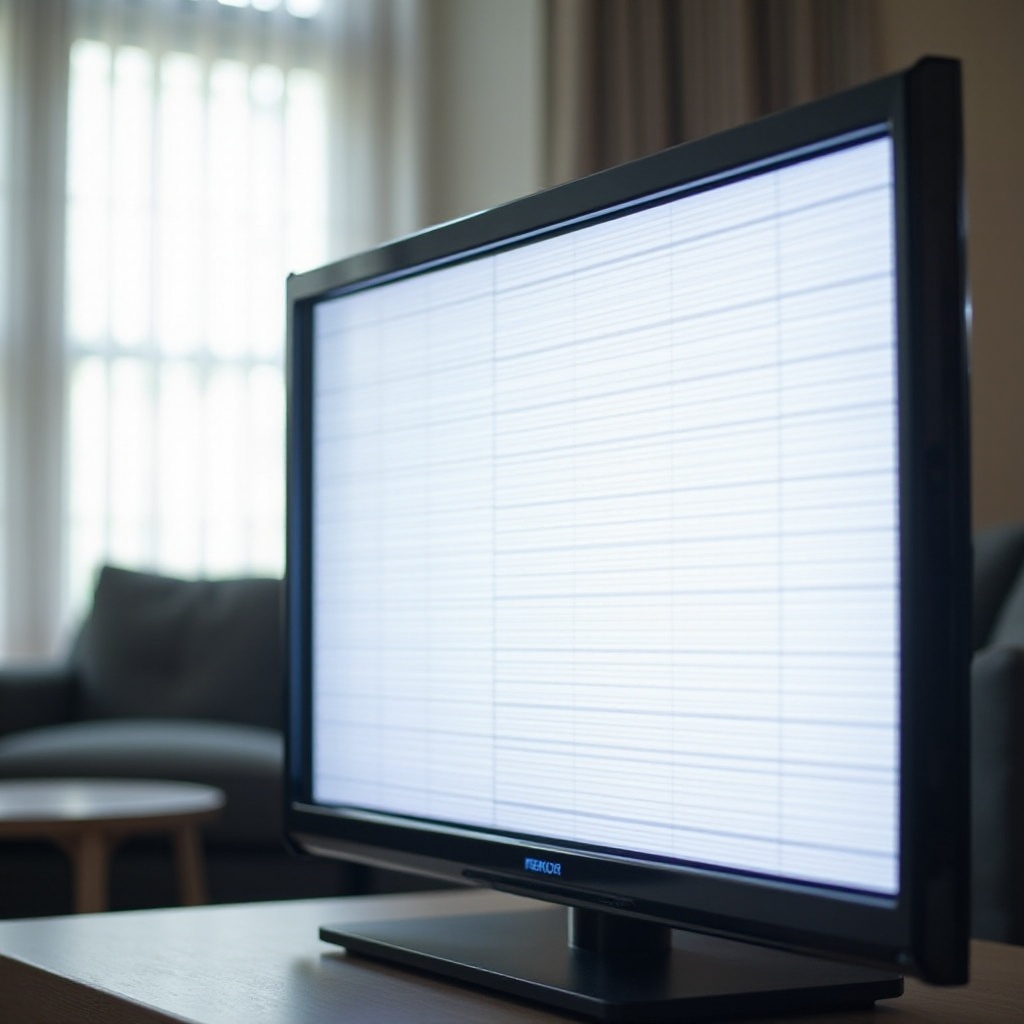
DIY Solutions for Fixing the Issue
With a diagnosis in hand, it's time to explore solutions to fix the white screen with lines.
Simple Fixes for Immediate Relief: Try performing a power cycle by unplugging the TV, waiting a few minutes, then plugging it back in. This might eliminate minor glitches.
Advanced Troubleshooting Techniques: If simple fixes don't work, consider performing a factory reset. Always remember to back up settings before proceeding.
When to Consider a Complete Reset: Use this as a last resort when other measures prove ineffective. Access the settings menu, proceed to 'Support' or 'General', and perform a 'Factory Reset'.
These methods often resolve display issues. If they don't, professional repair might be necessary.
When to Seek Professional Help
When DIY methods fail, knowing when to consult a technician is essential.
Identifying Signs of Complex Issues: Persistent screen issues after resets might indicate deeper internal problems requiring expert attention.
Choosing a Qualified Technician: Look for certified technicians familiar with your TV's brand to ensure efficient and effective repairs.
Evaluating Repair Costs: Weigh the repair costs versus replacement, especially for older TVs where repair might be cost-prohibitive.
Professional intervention ensures your TV operates at its best, and once restored, you'll want to keep it functioning efficiently.
Preventive Measures to Avoid Future Problems
Taking proactive steps can prevent future occurrences of the white screen issue.
Routine Maintenance Tips: Regularly dust and clean your TV, giving it ample space for ventilation to avoid overheating.
Software and Firmware Updates: Regular updates often contain improvements and fixes to prevent bugs and issues.
Proper TV Usage Guidelines: Avoid continuous prolonged use and minimize connections to essential external devices only.
By maintaining your TV with these best practices, you ensure optimal performance and extend its lifespan.
Conclusion
Addressing a TV white screen with lines promptly can prevent further complications. Understanding potential causes, practicing DIY solutions, and recognizing when to involve experts are all part of effective problem-solving. With these insights, you can keep your TV in excellent working condition while enhancing your viewing experience.
Frequently Asked Questions
What can cause a TV screen to show white with lines?
A white screen with lines can result from hardware failures, software glitches, or signal interference from external devices.
Can I fix a white screen with lines on my TV myself, or do I need professional help?
Many issues can be resolved with DIY solutions, like power cycling or updating software. If issues persist, professional diagnostics may be needed.
How can I prevent my TV from developing similar issues in the future?
Regular maintenance, software updates, and proper use can help prevent recurring display problems.




