
How to Stream Computer Games to Your TV in 2024
Introduction
Streaming computer games to your TV offers an expansive visual and auditory experience, turning your living room into a personal gaming arena. By leveraging the right tools and setups, you can convert your digital exploits from the confines of a monitor to the expansiveness of your television screen. This guide will walk you through the steps necessary to bring your gaming display into the heart of your home.
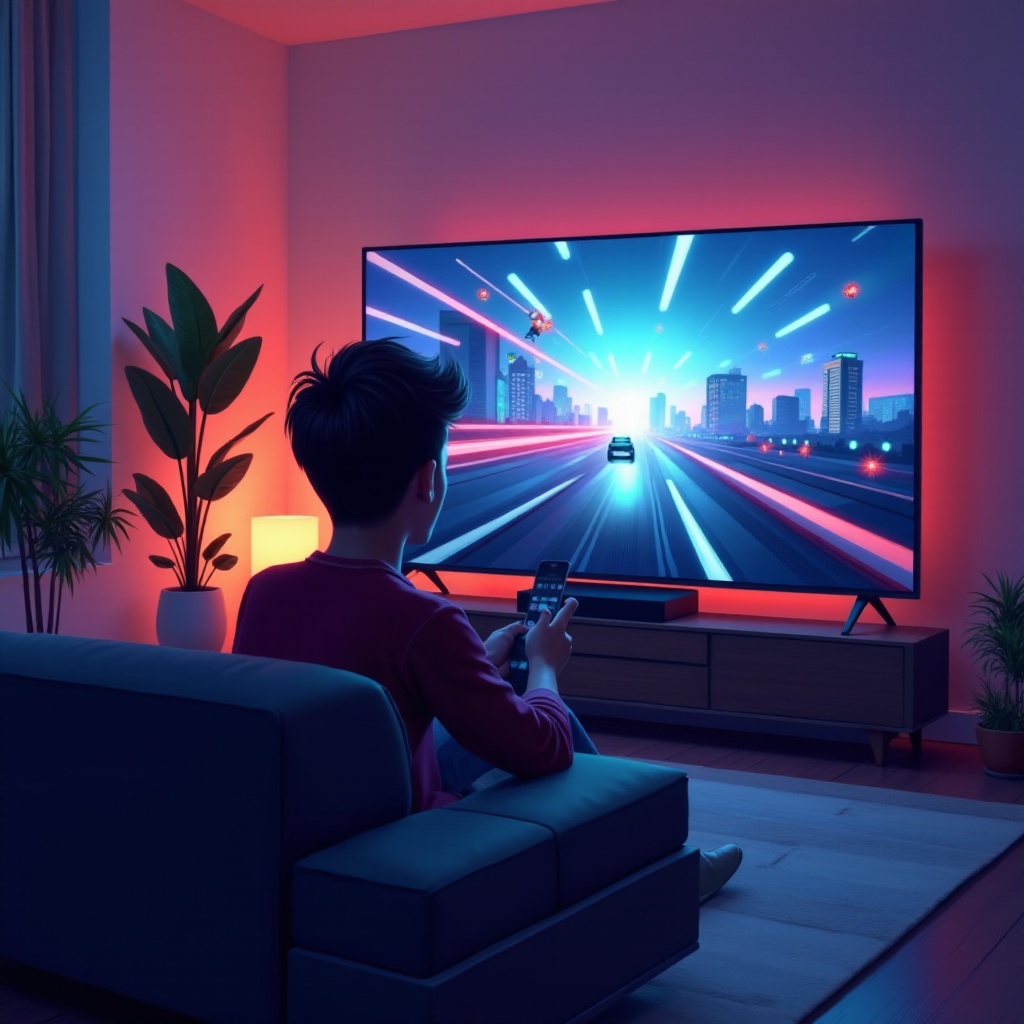
Essential Equipment for Streaming Games
To begin streaming games to your TV, you must first gather the appropriate equipment. This ensures a seamless transition from PC gaming to an enhanced TV experience.
- Television: Select a television that supports high refresh rates and low input lag. Features like HDR can enhance your game's visual quality.
- Computer: A powerful gaming computer with a robust graphics card ensures optimal performance and compatibility.
- Streaming Devices: Use streaming gadgets like Chromecast, NVIDIA Shield, or Amazon Fire TV to ease the connectivity woes between your computer and TV.
Equipping yourself with these gadgets empowers your gaming, making sure that both visual fidelity and performance align effortlessly.
Preparing Your Setup
After securing the necessary equipment, the next step is setting up a reliable connection between your computer and TV. This involves managing your connection types and ensuring environmental readiness.
- Wired Connections: Use HDMI cables for a stable and high-quality audio and video transfer.
- Wireless Solutions: Opt for Wi-Fi or Bluetooth connections to keep your space wire-free, though ensure your network's reliability.
A strong internet connection is indispensable. Always aim for high-speed services to prevent lag and maintain smooth gameplay. This will ensure that you can fully utilize your hardware's potential without constant interruptions.
Best Software Solutions for Game Streaming
With your hardware set up, turn your attention towards finding the best software solutions that will facilitate streaming.
- Steam Link: Seamlessly stream Steam library games over your home network.
- NVIDIA GeForce Now: Access cloud-based gaming services if you align with NVIDIA.
- Moonlight: An open-source alternative for those wanting to leverage GameStream technology.
Ensure these software platforms are installed on your computer. Follow through with their specific configuration needs to maintain a high level of performance and visual quality.
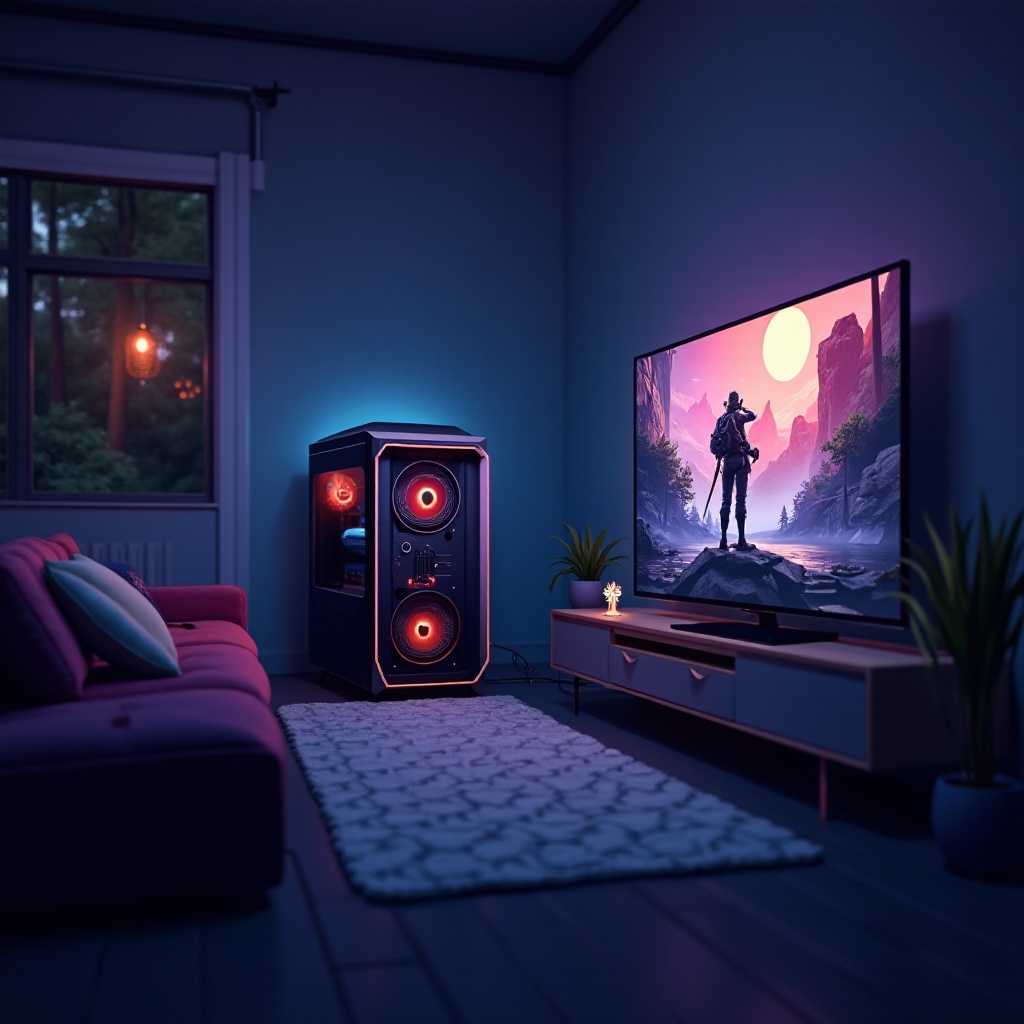
Optimizing Streaming Quality
After setting up both hardware and software, focus on optimizing the quality of your stream to get the most out of your gaming sessions.
- Video Settings: Match your TV's resolution and set graphics to levels that your computer can handle efficiently.
- Audio Enhancements: Utilize sound systems like soundbars or surround sound for a comprehensive aural experience.
Adjustments here aim for maximizing both the game's aesthetics and auditory output, creating an environment that immerses players fully into their games.
Enhancing the Gaming Experience
Extra touches can transform a regular setup into one that offers immersive delight. Integrating smart home technology and gaming accessories can refine your experience.
- Smart Lights: Sync lighting with game events for added ambiance.
- Gaming Accessories: Invest in wireless keyboards, controllers, or adaptive equipment to improve control and comfort levels.
These enhancements not only elevate aesthetics but also drive the interactivity that makes gaming on a TV uniquely engaging.
Troubleshooting Common Issues
Even the best setups can face challenges. Here are remedies for frequent issues to keep your gaming uninterrupted:
- Connection Problems: Double-check cables and restart your network devices if needed to ensure connectivity.
- Software Glitches: Regularly update software to sidestep bugs and performance hiccups.
- Performance Issues: If performance drops, adjust in-game settings to find a balance between visual appeal and playability.
These solutions aid in swift resolution, keeping your gaming flow consistent.
Conclusion
Streaming games to your TV in 2024 melds high-quality visuals with immersive sound, transforming any space into a gaming paradise. Setting up the right hardware, optimizing software, and troubleshooting are essential steps in refining your gaming experience. Embrace this transformative setup today, and redefine the way you engage with digital worlds.
Frequently Asked Questions
Can I stream games from a Mac computer to my TV?
Yes, streaming apps often support macOS, but always verify compatibility with your chosen device for best results.
Is a high-speed internet connection necessary for streaming games?
Yes, high-speed internet is crucial as it minimizes latency and ensures smooth, uninterrupted gameplay without buffering.
What is the best streaming device for gaming on a TV?
The best device depends on personal needs and setup, but popular choices include Chromecast and NVIDIA Shield for their reliability and performance.




