
Troubleshooting Your TV: Solutions When It Won’t Switch On
Introduction
If you've ever faced the headache of a TV that refuses to power on, you know the disruption it can cause to your leisure time. This guide is here to assist you in troubleshooting and fixing the issue effectively. From preliminary checks to advanced solutions, you'll gain the confidence to restore your TV's functionality.
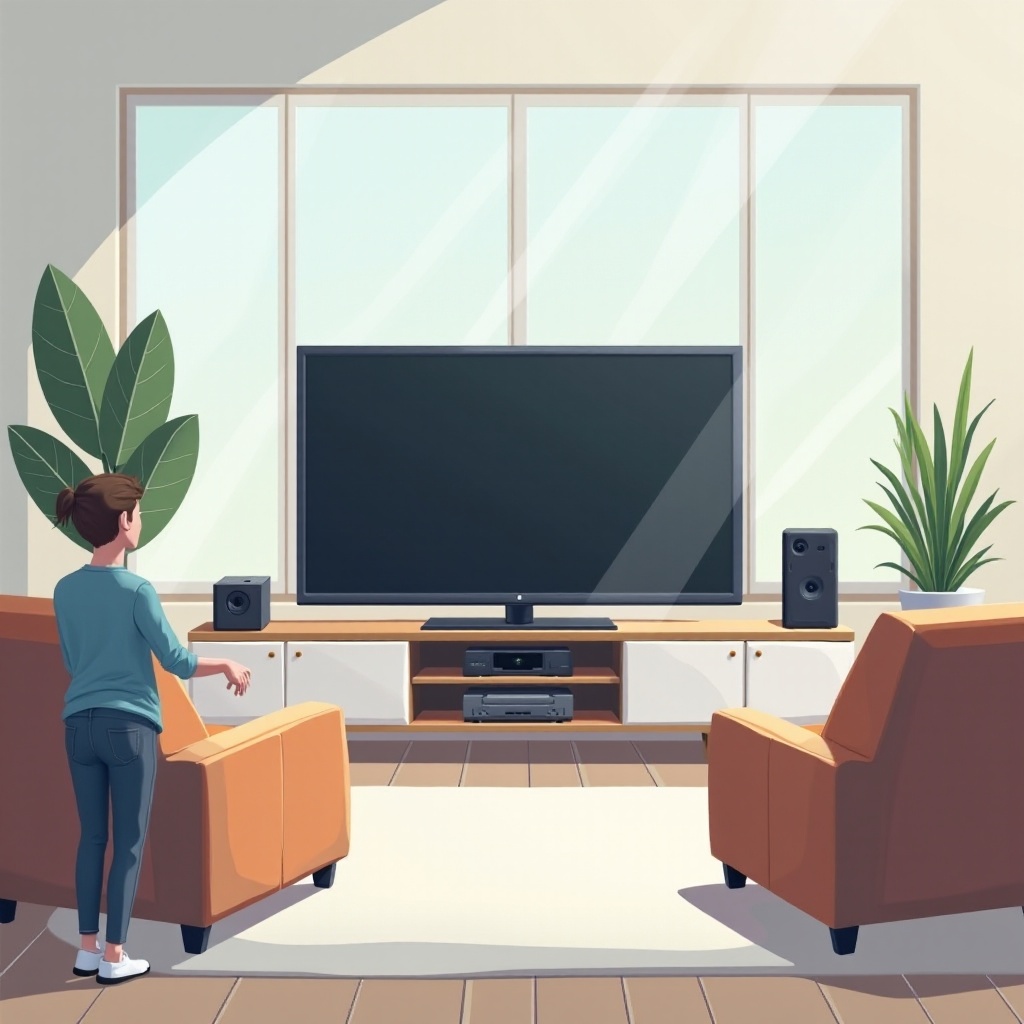
Quick Preliminary Checks
Before getting into complex methods, start with these easy checks:
Ensure Power Supply: Check that your TV's plug is secure in a working outlet. Try plugging another device into the outlet to verify its functionality.
Inspect Remote Control Batteries: Weak or dead batteries can cause the TV to appear unresponsive. Replace them and attempt to power on the TV again.
With these initial steps completed, let's delve into common causes that may prevent your TV from switching on.
Common Causes of TV Power-On Issues
Getting to the root of the problem helps in tailoring appropriate solutions.
Power Cord Problems: Examine the power cord for any visible damage or loose connections, as these can disrupt the power flow.
Internal Hardware Failures: Potential hardware issues might be the culprits if the TV remains inactive. Professional evaluation may become necessary here.
By understanding these causes, you can move forward with targeted troubleshooting to resolve the issue.
Step-by-Step Troubleshooting Guide
Follow these structured steps to approach your TV's power-on problems methodically:
Checking the Power Source: It’s critical to ascertain whether the outlet is functional. Use another device to test the outlet’s operation.
Evaluating HDMI and Input Connections: Examine all cables and connections; loose or faulty cables can play a significant role in power issues.
Performing a TV Reset: Conduct a factory reset according to your TV’s manual, which may resolve lingering power problems.
Should these actions fail to rectify the problem, exploring advanced techniques might be necessary.
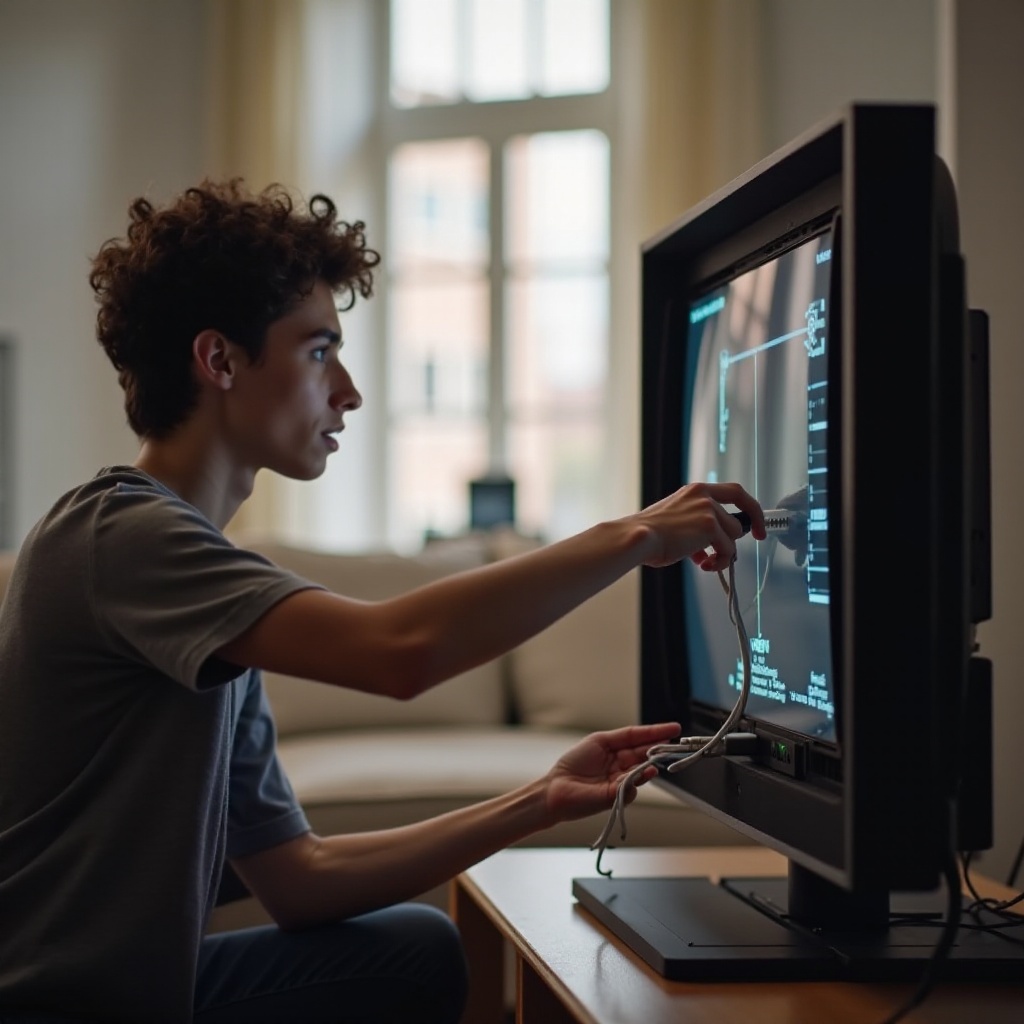
Advanced Troubleshooting Techniques
Certain problems might require further exploration and specialized understanding.
Circuit and Wiring Inspection: Carefully inspect your TV's internal circuits or consult a professional if you're uncertain.
Firmware Update Procedures: Manufacturers frequently issue firmware updates to resolve software issues. Check for these updates and install them accordingly.
After attempting advanced solutions, decide if professional intervention is required.
Identifying Severe Issues and Seeking Professional Help
If your television remains nonfunctional after implementing suggested strategies, severe internal problems might be present.
- Signs It’s Time for Expert Assistance: Persistent power-on issues usually necessitate professional repair services to diagnose intricate faults accurately.
Once repairs are conducted, preventative measures can help ensure long-term TV health.
Long-Term Maintenance Tips to Prevent Power-On Issues
To avoid future frustrations with your TV, keep in mind these maintenance strategies:
- Regular TV Care Tips: Ensure the TV is in a clean, dust-free environment, avoid power surges, and guarantee proper ventilation around the television.
Preventative care can safeguard your TV against recurring issues and extend its lifespan.
Conclusion
Following these troubleshooting techniques can simplify resolving a TV that won’t power on, providing you with practical solutions and peace of mind. If needed, don't hesitate to consult with a specialist to protect your investment.
Frequently Asked Questions
Why won’t my TV turn on even after checking the power cord?
It might be due to internal hardware faults, needing professional evaluation.
How do I reset my TV if it doesn’t power on?
Look for manufacturer instructions on performing a factory reset for your specific model.
Can a faulty remote control cause my TV not to switch on?
Yes, dead or weak remote batteries can prevent your TV from responding to commands.




